The best thermal camera for iPhone 16 and 17
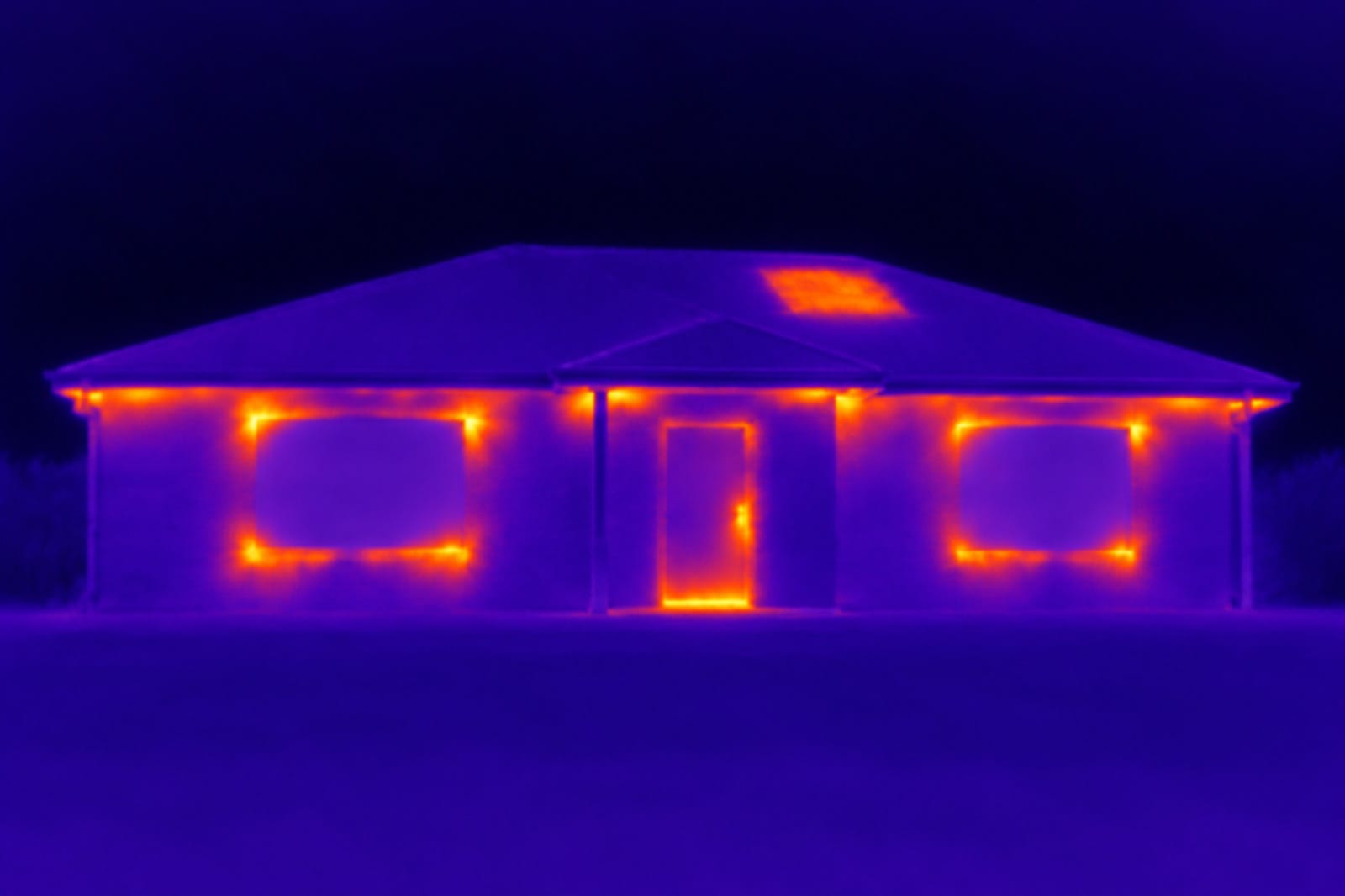
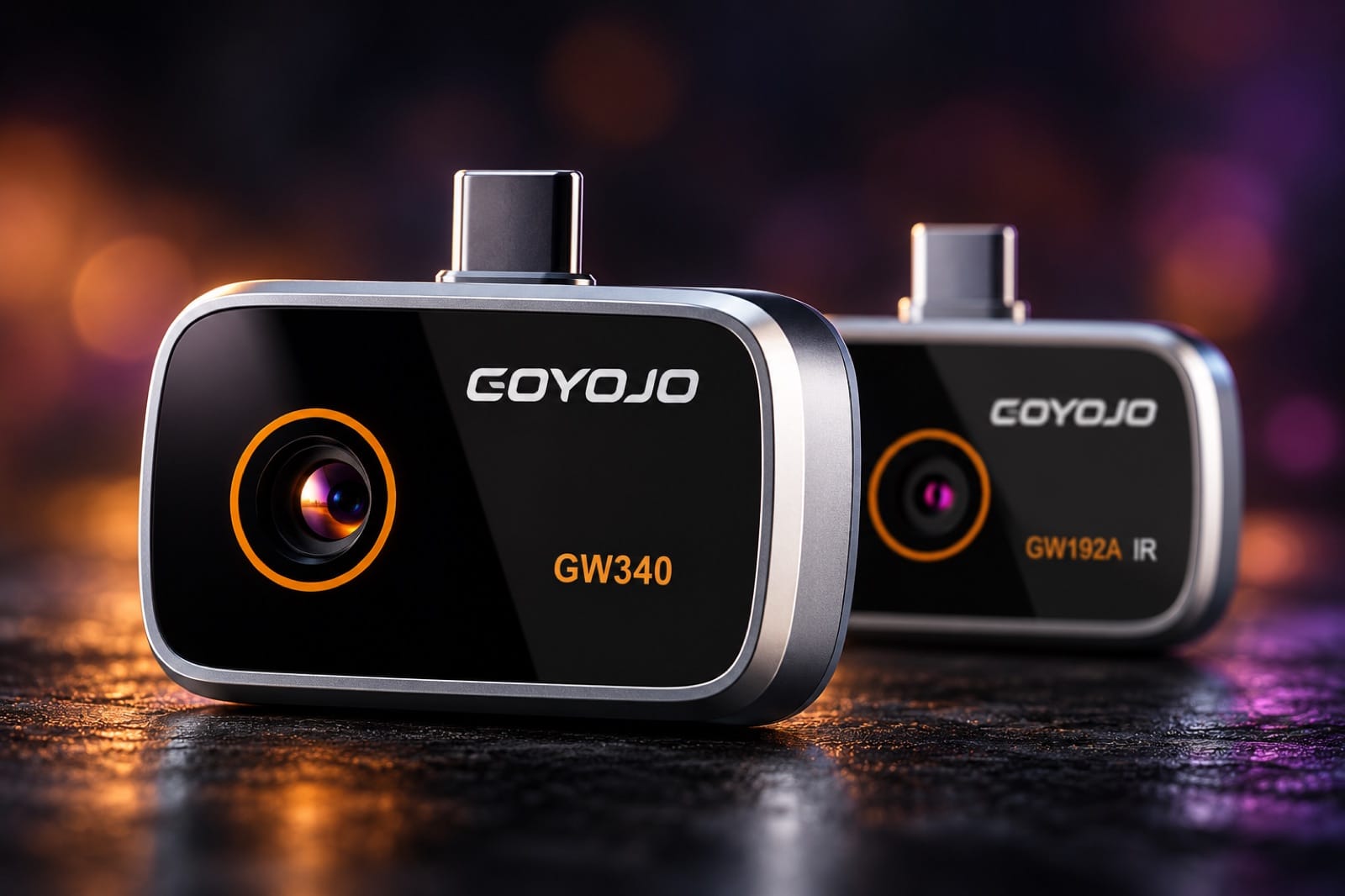
iPhone 16 and 17 have a USB-C port, so most phone thermal cameras now fit them — some directly, some through an adapter, some over Wi-Fi. We sell two of them, Spark and Spark Pro, so take our view with that in mind: below are the main options side by side, and where each one is the best pick.
The options side by side
| Camera | Thermal sensor | Refresh | Top temperature | How it connects |
|---|---|---|---|---|
| Spark | 96×96 | 25 Hz | 400 °C | USB-C plug |
| Spark Pro | 256×192 | 25 Hz | 350 °C | USB-C plug |
| FLIR ONE | 80×60 | 8.7 Hz | 120 °C | USB-C plug (iOS USB-C version) |
| FLIR ONE Pro | 160×120 | 8.7 Hz | 400 °C | USB-C plug (iOS USB-C version) |
| FLIR ONE Edge Pro | 160×120 | 8.7 Hz | 400 °C | Wi-Fi, up to 5 m away |
| InfiRay P2 Pro | 256×192 | 25 Hz | 550 °C | Lightning plug + USB-C adapter (iOS version) |
| Topdon TC002C Duo | 256×192 | 25 Hz | 550 °C | USB-C plug |
All of them start at −20 °C (−4 °F). Specs are each maker's own; 400 °C is 752 °F, 550 °C is 1022 °F.
What the numbers mean
- Thermal sensor is how many temperature readings make up the picture. 256×192 is about 49,000 readings, 160×120 about 19,000, 96×96 about 9,000 and 80×60 about 5,000. More readings let you stand back from a wall or ceiling and still see one pipe or one gap in the insulation. Apps upscale the picture to look sharper, but the sensor is what sets the real detail.
- Refresh is how many times a second the picture updates. At 25 Hz it moves smoothly as you sweep; at 8.7 Hz it lags a little behind the phone.
- Top temperature only matters for hot work — engines, exhausts, stoves, flues. For walls, windows, pipes and outlets every camera here has range to spare.
Best pick for each job
- Easiest pictures to read: FLIR ONE or FLIR ONE Pro. MSX draws the outlines from a normal camera onto the thermal image, so you can see exactly which window frame or outlet is cold or hot. None of the others on this list do that. The trade-off is fewer thermal pixels, 8.7 Hz and a battery to charge.
- Away from the phone, or in rough conditions: FLIR ONE Edge Pro. It works over Wi-Fi, is rated IP54 and for a 2 m drop. It's a larger unit, about 153 g.
- Smallest, and for electronics: InfiRay P2 Pro. It weighs 9 g, and the optional clip-on macro lens focuses on a circuit board. On a USB-C iPhone it connects through an adapter; use the one that comes with it.
- Most in the box and highest range: Topdon TC002C Duo. Up to 550 °C, under 40 mK sensitivity, with an extension cable and a carrying case. It also works with Windows.
- Whole-house checks with a simple USB-C plug: Spark Pro. 256×192 at 25 Hz, about 21 g, and the same camera works on Android 12 or newer.
- Close checks, lightest: Spark. 19 g and reads up to 400 °C — enough for a window frame, a breaker panel or a charger, with a protective metal case in the box.
Before you buy
- Get the iPhone version. InfiRay sells the P2 Pro in an iOS version and an Android USB-C version, and the Android one doesn't work with an iPhone. Topdon's TC001 is for Android and Windows only.
- FLIR ONE Edge and Edge Pro need iOS 17 or later — iPhone 16 and 17 already have it.
- Spark and Spark Pro work with iPhone 15 Pro and every iPhone 16 and 17 model. The base iPhone 15 and iPhone 18 aren't on the maker's list yet, so email us before you order for one of those.
- No thermal camera sees through walls. They read the surface. A leak or a pipe shows up when it makes the wall in front of it warmer or cooler — see what a phone thermal camera can and can't do.
Spark and Spark Pro ship free with tracking, usually in 7–19 business days, with 30-day returns.
FLIR, InfiRay and Topdon are trademarks of their owners; we're not affiliated. Competitor specs are from each maker's product pages or data sheets, or authorized retailers, as of October 2026.