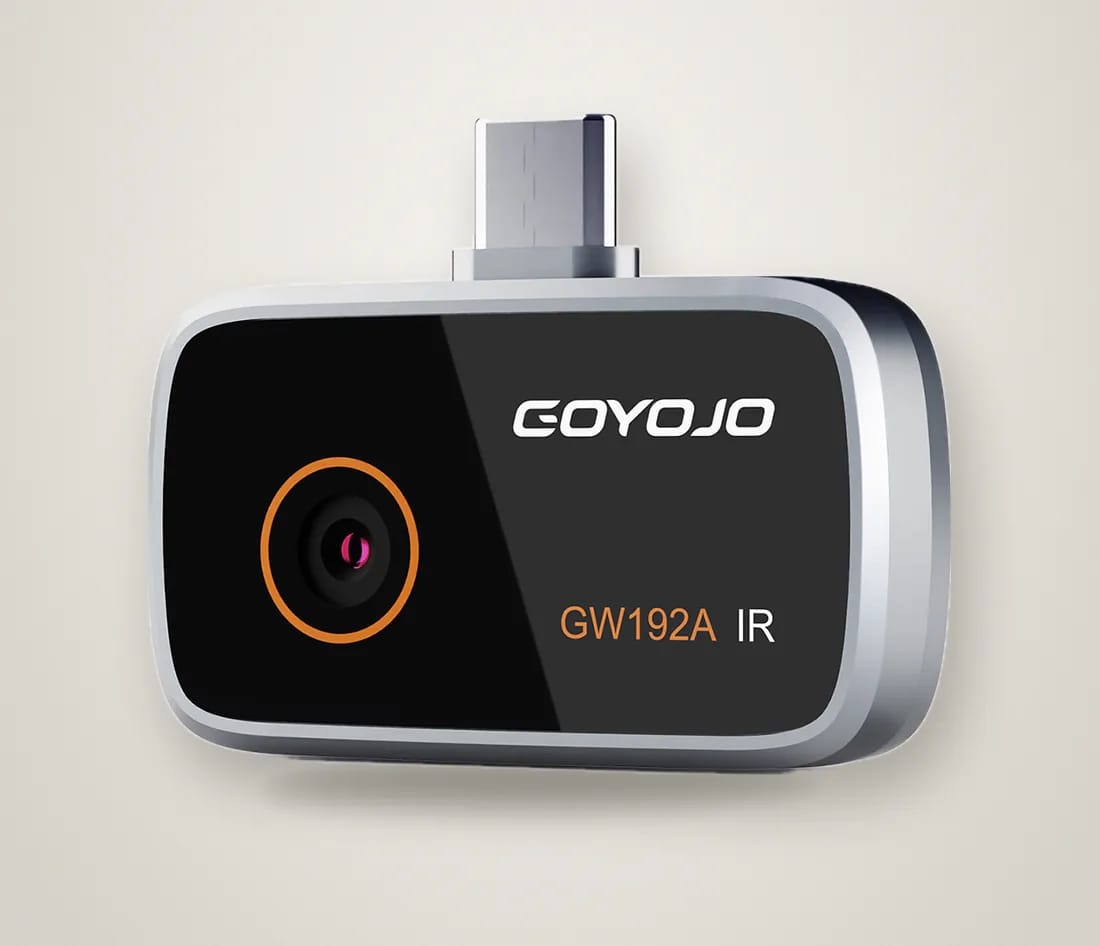
GOYOJO GW192A · USB-C plug on top
Spark
The everyday thermal camera. Plug it into a USB-C phone and see warm and cold as colour — a leak, a draught, an overheating plug.
Works with
How it works
- Plug it into the phone’s USB-C port.
- Open the free “THG Start” app.
- Point at the wall — purple is cold, yellow is hot.
Specs (from the manufacturer)
| Thermal sensor | 96×96 (shown as 192×192 enhanced) |
| Refresh rate | 25 Hz |
| Field of view | 50° |
| Temperature range | −20 to 400 °C |
| Accuracy | ±2 °C or ±2 % |
| Size · weight | 45 × 34 × 11 mm · 19 g |
| App | THG Start (iOS, Android) |
In the box
- Thermal camera
- Quick user guide
- Protective metal case
- Retail box
Questions about Spark
Which phones does Spark work with?
USB-C phones: iPhone 15 Pro to iPhone 17 and Android 12 or newer. The base iPhone 15 and iPhone 18 aren't on the maker's list yet — email us before you order. iPhone 14 and older use Lightning and won't fit.
Can a thermal camera see through walls?
No. It reads the temperature of the surface it's pointed at. A pipe, a leak or missing insulation shows up only when it makes that patch of wall warmer or cooler than the rest — which it usually does.
Spark or Spark Pro?
Spark measures 96×96 points (shown as 192×192); Spark Pro measures 256×192, more than five times as many. Spark is enough for close checks like a hot plug or a leaky window frame. For ceilings, whole rooms and small details, choose Spark Pro.
What app does it use?
The free THG Start app for iPhone and Android.
What temperatures can it measure?
−20 to 400 °C (−4 to 752 °F), accurate to ±2 °C or ±2 %.
Can I return it?
Yes, within 30 days of delivery if it's unused and in its original packaging. If it doesn't work with a phone this page says it works with, we refund you in full, including return shipping.
Guides that use Spark

How to read a thermal image: colors, reflections and emissivity
Purple here, orange there, a yellow blob you can't explain. What the colors on a thermal camera actually mean, the three things that fool almost everyone, and a five-minute routine for any suspicious spot.
October 23, 2026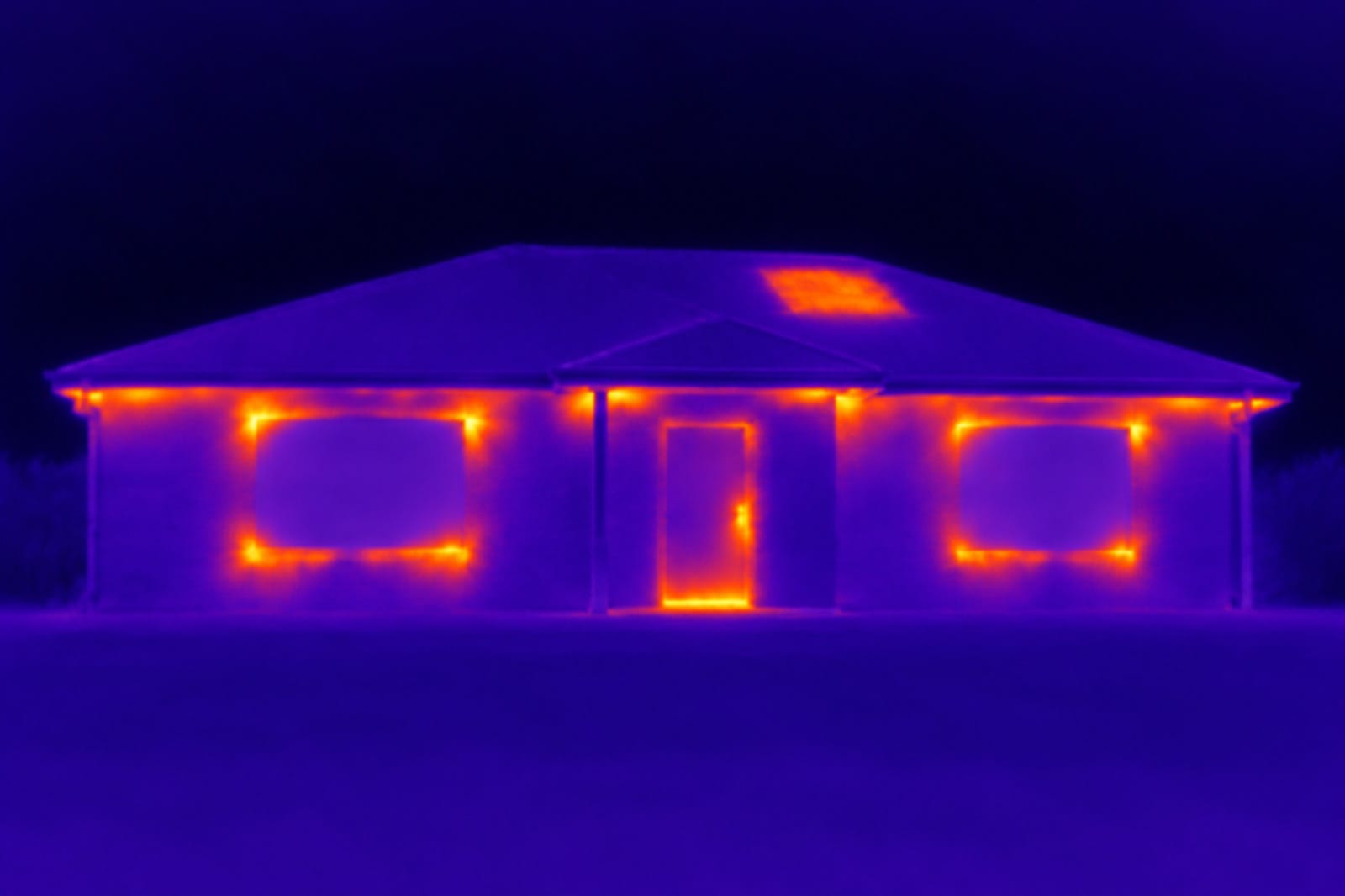
How to find drafts and insulation gaps with a thermal camera
Drafts are hard to find by feel, because moving air spreads out before it reaches you. A thermal camera shows them as streaks on the wall and floor. How to find them in an afternoon, and which fixes are DIY.
October 23, 2026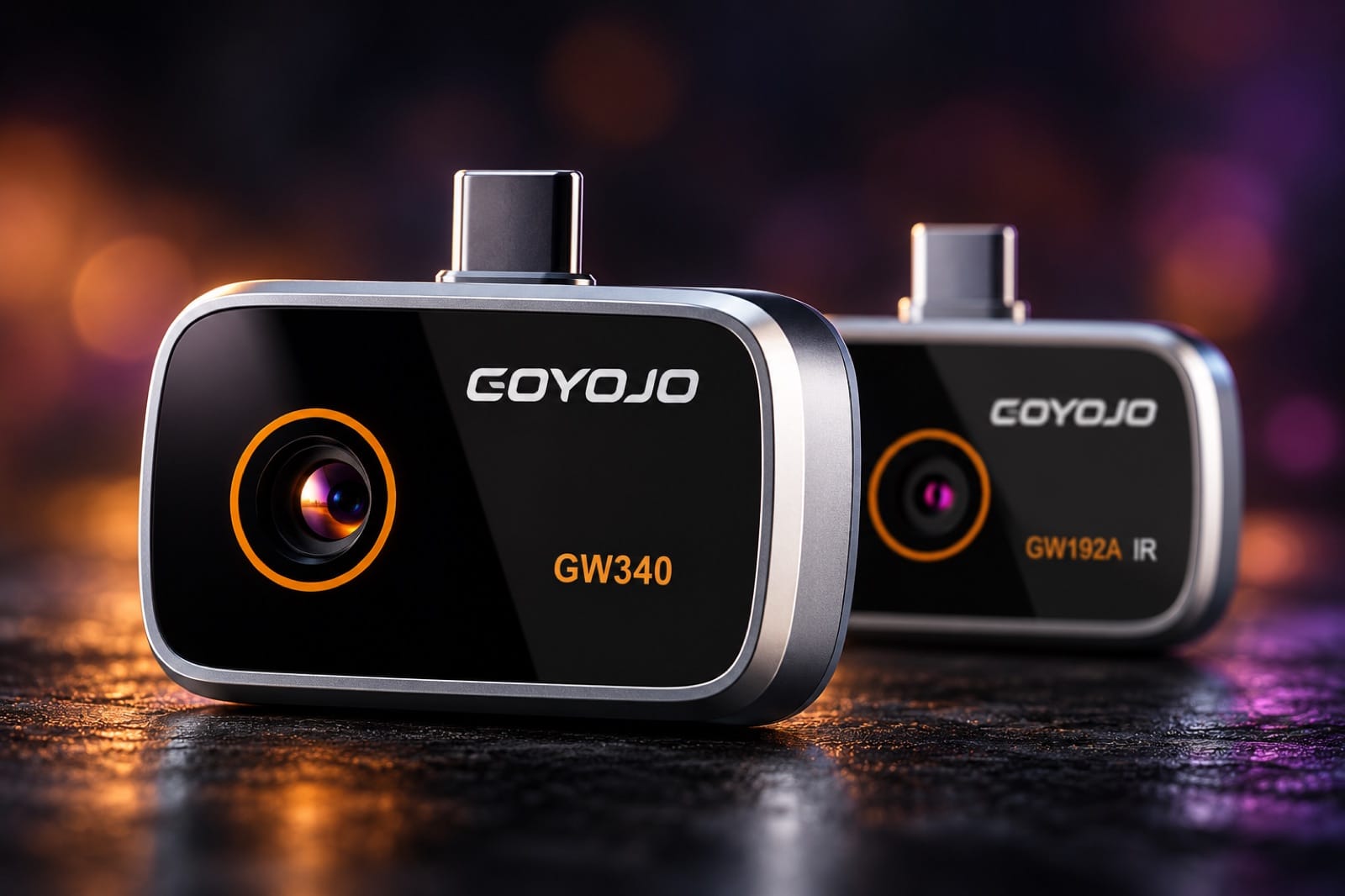
Spark or Spark Pro? How to choose a phone thermal camera
Both plug into a USB-C phone and use the same app. The difference is how many temperature points they measure, and that decides how far back you can stand and still see the pipe.
October 22, 2026Buying guides
- A thermal camera for your iPhone 15, 16 or 17Plug-in thermal cameras for USB-C iPhones: which models fit, Spark vs Spark Pro, and what they find at home — leaks, drafts, missing insulation, hot outlets.
- Looking for a FLIR ONE alternative?FLIR ONE vs Spark and Spark Pro on a USB-C phone: thermal pixels, refresh rate, range and weight — and where FLIR is still the better pick.
- InfiRay P2 Pro or Spark Pro?InfiRay P2 Pro vs Spark Pro: same 256×192 sensor and 25 Hz. How they differ on size, range, macro lens and fitting a USB-C iPhone.